

Overview
This guide explains how to access and complete a final test for a virtual instructor-led course using the PSHSA Portal.
Before You Begin
- Ensure you have accessed the training session through the PSHSA Portal.
- Your course must include a final test component. Examples include JHSC Part 1, JHSC Refresher, and Train the Fit Tester courses.
- Your facilitator must mark you as passed and instruct you to complete the final test before it becomes available.
Video Walkthrough
Prefer a visual walkthrough? Watch the video below for a step-by-step demonstration of how to access and complete your final test.
Steps
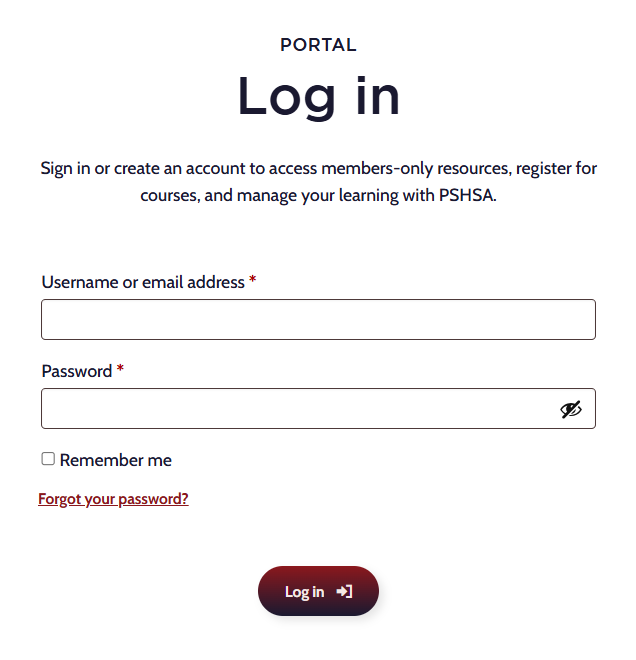
- Go to pshsa.ca/portal.
- Log in using your email address and password.
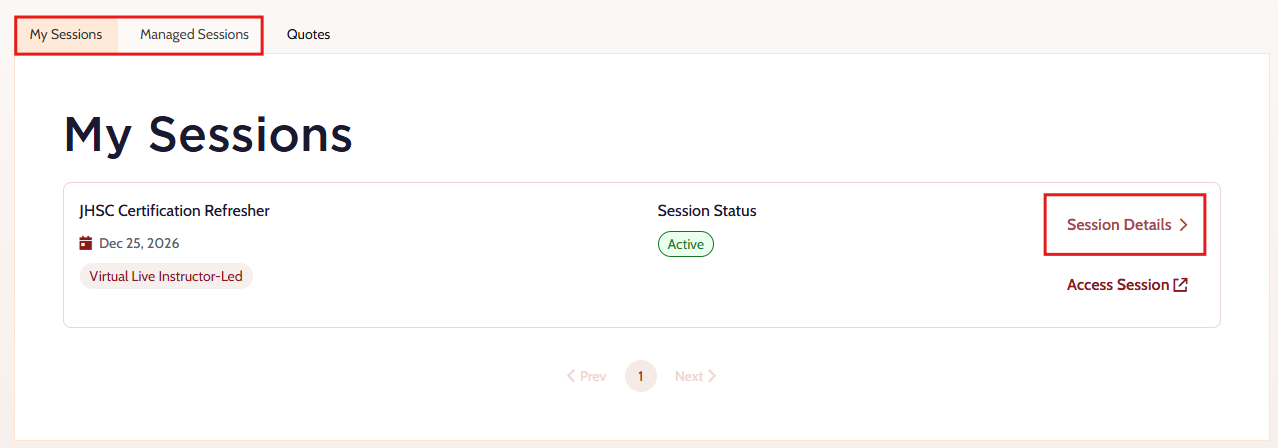
- My Sessions — if you are accessing training assigned directly to you.
- Managed Sessions — if you booked the training or are managing the session for others. Select the appropriate tab:
- Locate the training session and select Access Session. The training platform will open in a new tab.
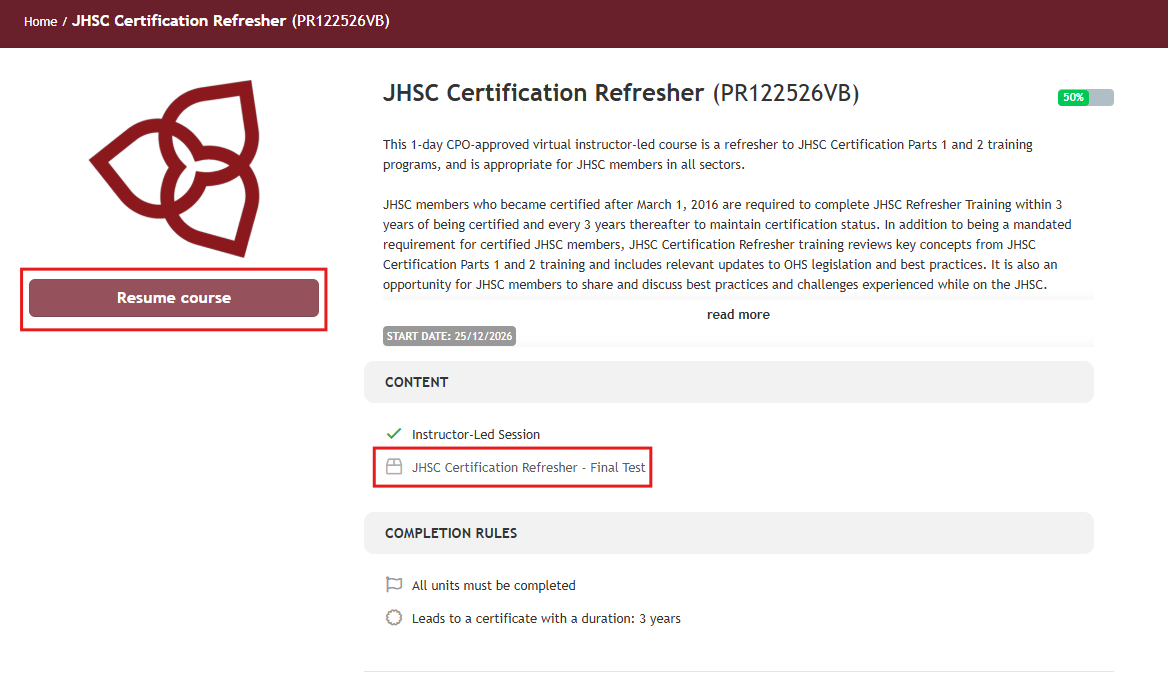
- Select Resume Course or select the Final Test from the course content menu.
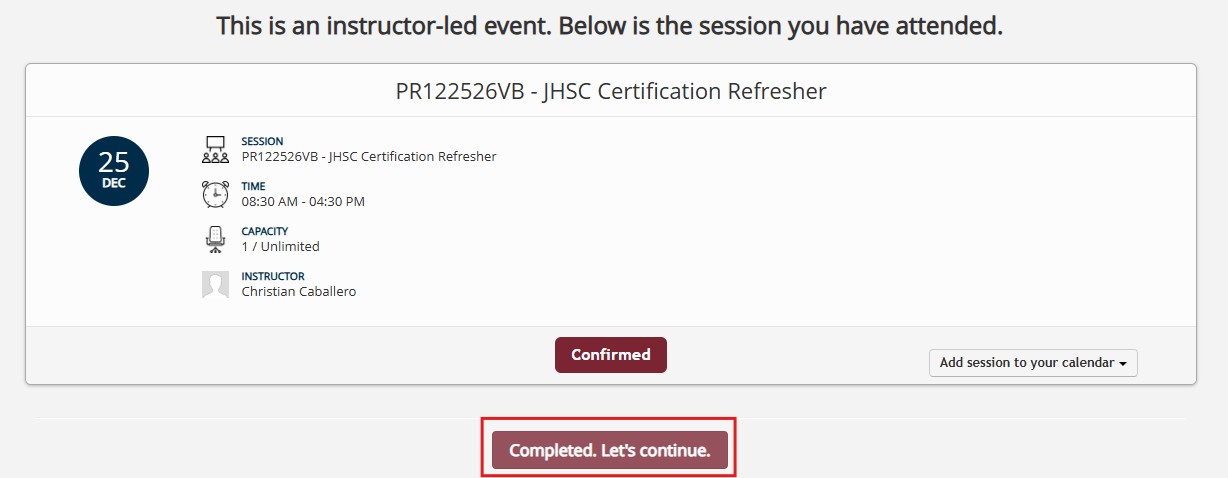
- If you see a confirmation screen for the session you just attended, select Completed, Let’s Continue.
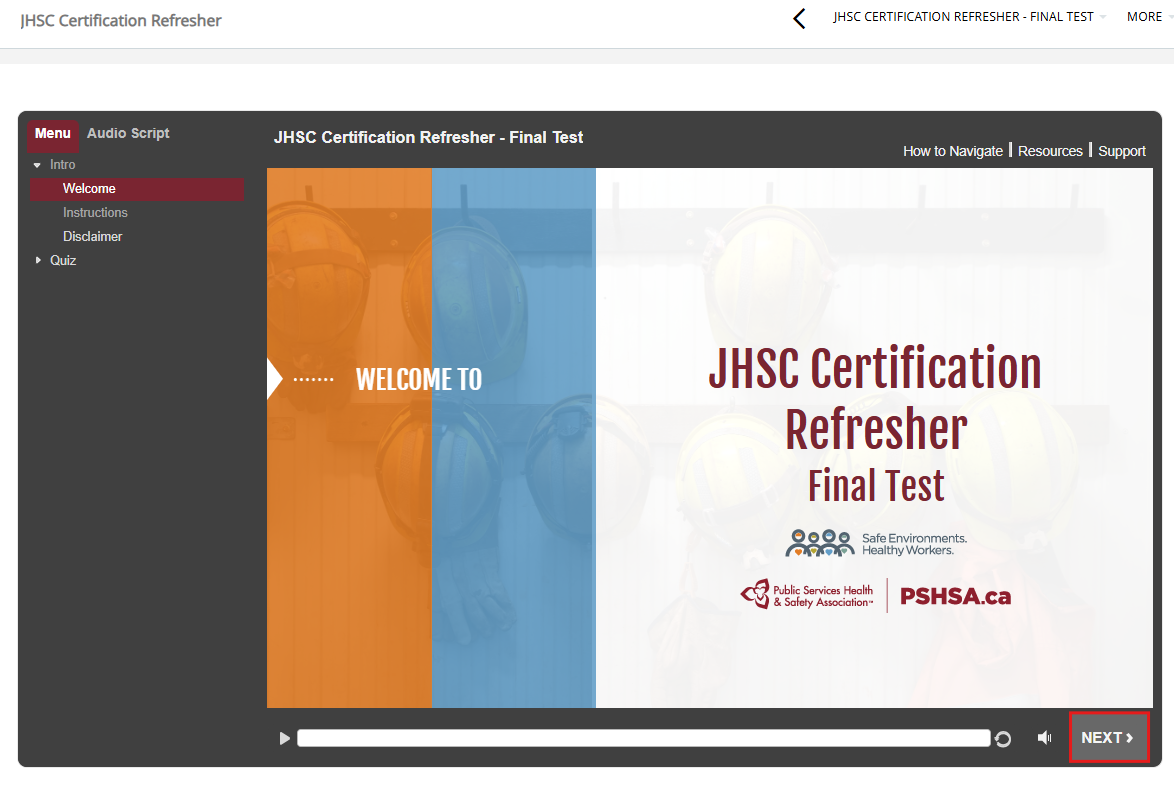
- Select Next to begin the final test.
Troubleshooting
- The Final Test is not clickable
Confirm with your facilitator that you have been marked as passed. Also note that not all courses include a final test component.
Need Help?
If you need assistance accessing or completing your final test, contact the Client Experience Team:
- Email: clientexperience@pshsa.ca
- Click the Live Chat button at the bottom right corner of the page.