

Overview
This guide explains how to delegate training session management using the PSHSA Portal.
In some cases, the person booking or paying for the training session may not be responsible for managing learner registrations. Billing contacts can delegate session management to another user, allowing them to add, remove, and replace learners on behalf of the billing contact.
Before You Begin
- You must have a PSHSA Portal account.
- You must be the person who booked or registered the training session.
- You must know the email address of the person you want to delegate session management to.
Video Walkthrough
Prefer a visual walkthrough? Watch the video below for a step-by-step demonstration of how to delegate training session management using the PSHSA Portal.
Steps
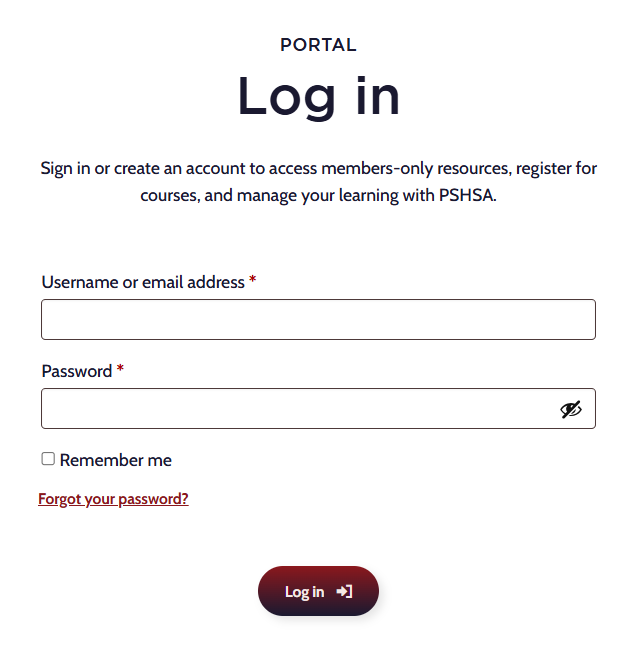
- Go to pshsa.ca/portal.
- Log in using your email address and password.
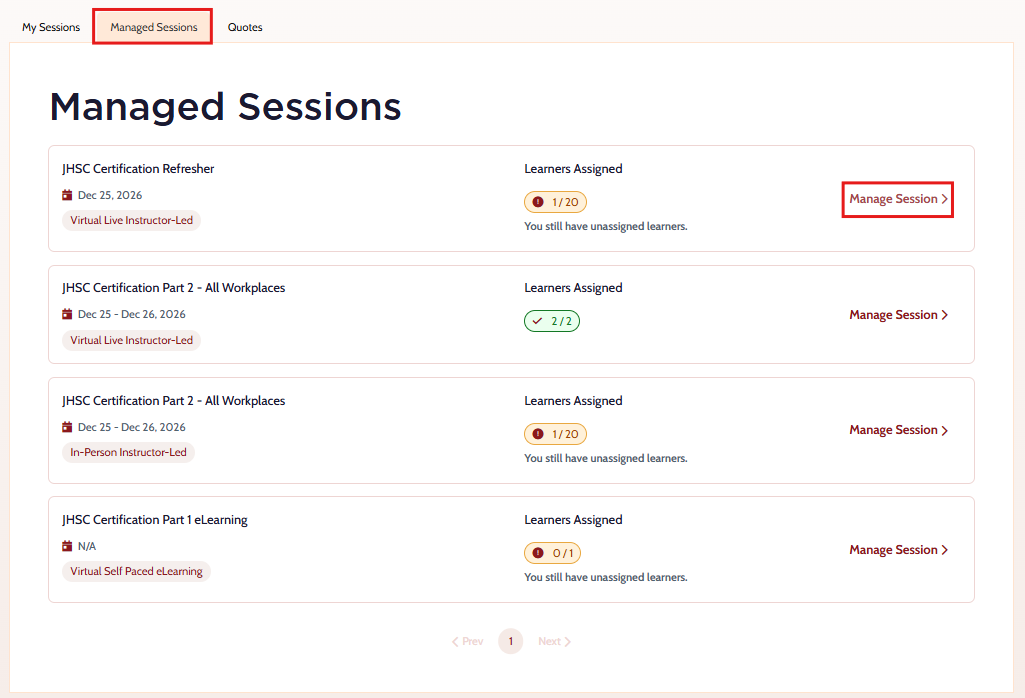
- Select the Managed Sessions tab.
- Locate the training session and select Manage Session.
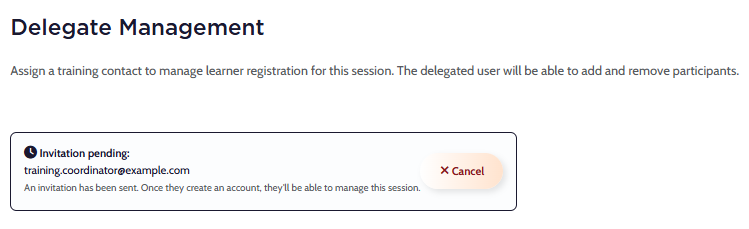
- Scroll to the Delegate Management section.
- Enter the email address of the person you would like to delegate session management to.
- Select Assign.

- The delegated user will receive an email confirming they can now manage the training session and learner registrations.
Troubleshooting
- The delegated user did not receive the email
Confirm the email address was entered correctly and ask the user to check their junk or spam folder.
Need Help?
If you need assistance delegating training session management or accessing the portal, contact the Client Experience Team:
- Email: clientexperience@pshsa.ca
- Click the Live Chat button at the bottom right corner of the page.