

Overview
This guide explains how billing contacts can pay outstanding invoices online using a credit or debit card through the PSHSA Portal.
This process can be used to pay invoices for private training sessions or for registrations where the Invoice payment option was selected during online course registration.
Before You Begin
- You must have a PSHSA Portal account.
- You must be the billing contact or have access to the account associated with the invoice.
- You will need a valid credit or debit card.
Video Walkthrough
Prefer a visual walkthrough? Watch the video below for a step-by-step demonstration of how to pay an invoice online.
Steps
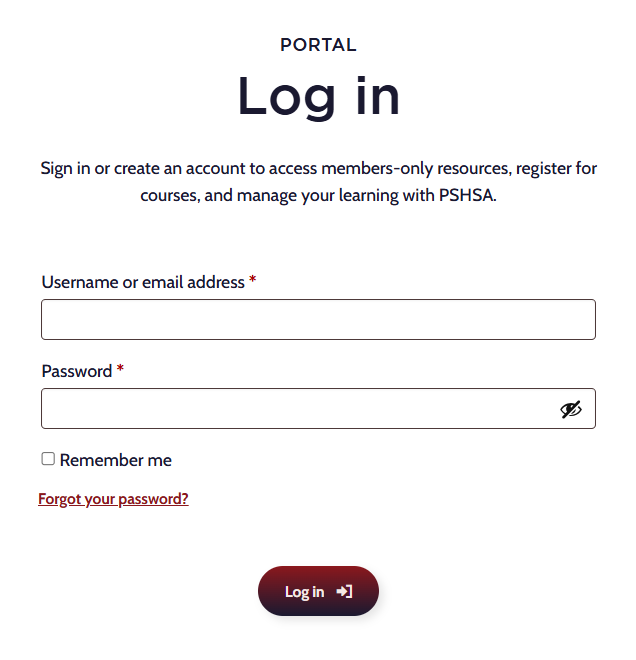
- Go to pshsa.ca/portal.
- Log in using your email address and password.
- Select the Managed Sessions tab.
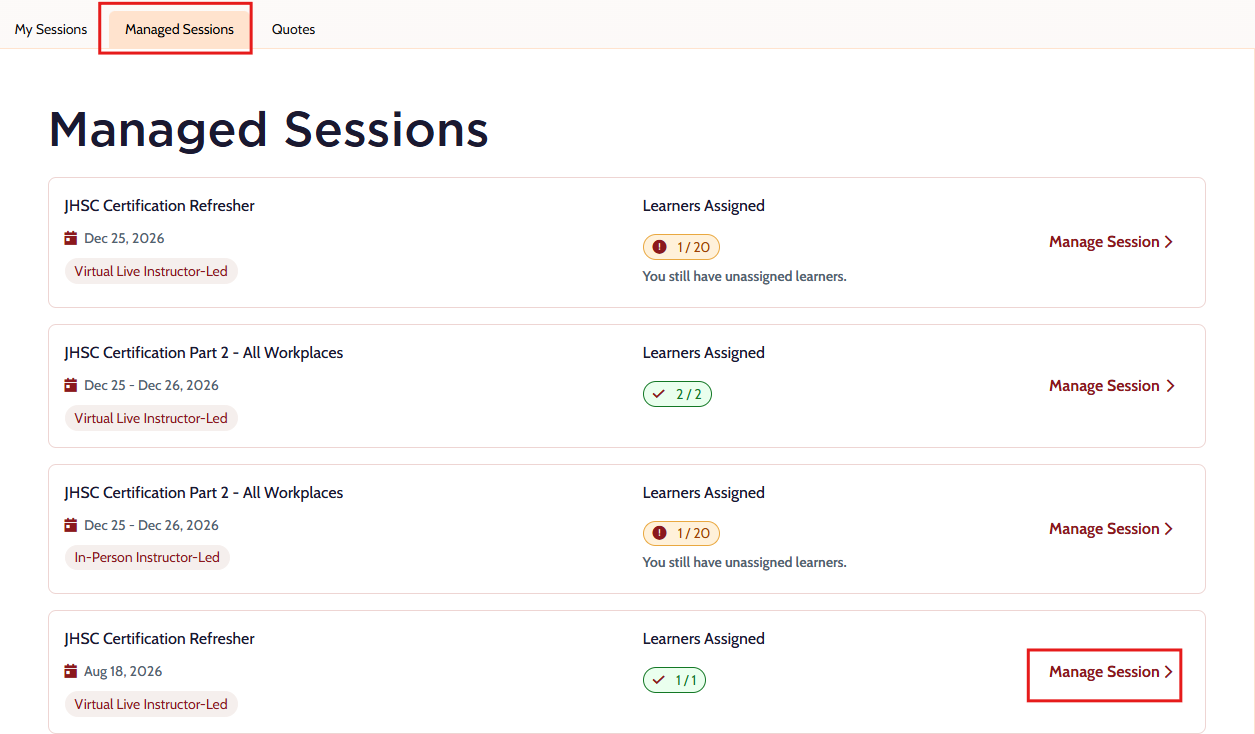 Locate the session associated with the invoice and select Pay Invoice.
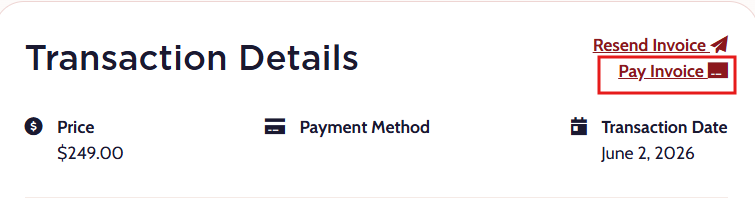
- Review the invoice details. Any outstanding invoices associated with the registration can be paid from this page.
- Enter your payment information, including your credit or debit card details.
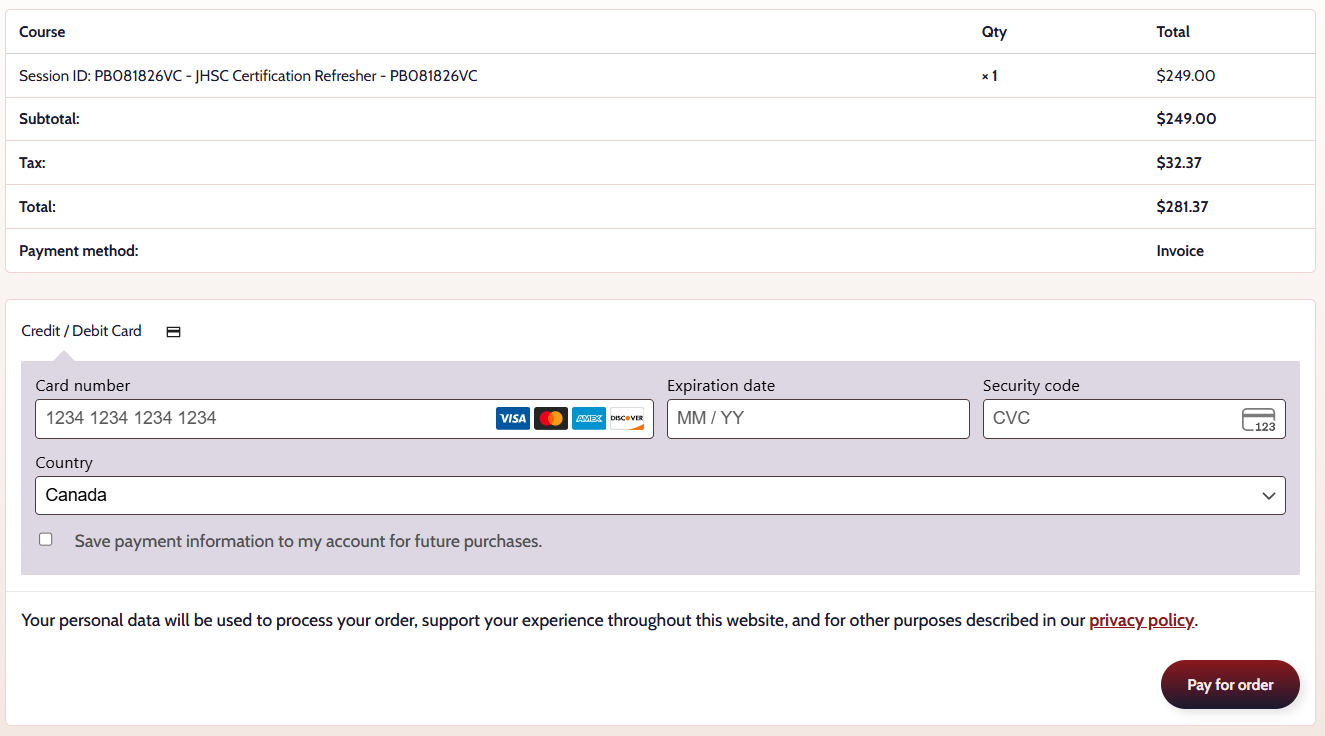
- Select Pay for Order to submit your payment.
- You will receive a payment confirmation for your records.
Troubleshooting
- I do not see the Pay Invoice button
Ensure you are viewing the correct session under the Managed Sessions tab. If you have multiple training sessions, confirm you have selected the session associated with the invoice you wish to pay.If your session is part of a private training registration, the Pay Invoice button will only appear after the training session has been completed. - My payment was declined
Verify your card information and available funds, then try again. Contact your financial institution if the issue persists. - I am unable to locate the invoice
Ensure you are viewing the correct session under the Managed Sessions tab.
Need Help?
If you need assistance paying an invoice online, contact the Client Experience Team:
- Email: clientexperience@pshsa.ca
- Click the Live Chat button at the bottom right corner of the page.